Your signature layout.
Shape the frame, adjust borders and colors, and save your own templates with Bicamly Pro for the next story.
 Bicamly
iPhone dual-camera photo and video app
The world in front of you. The person behind the camera. Bring them together in one beautifully composed shot.
For iPhone · Free download · In-app purchases
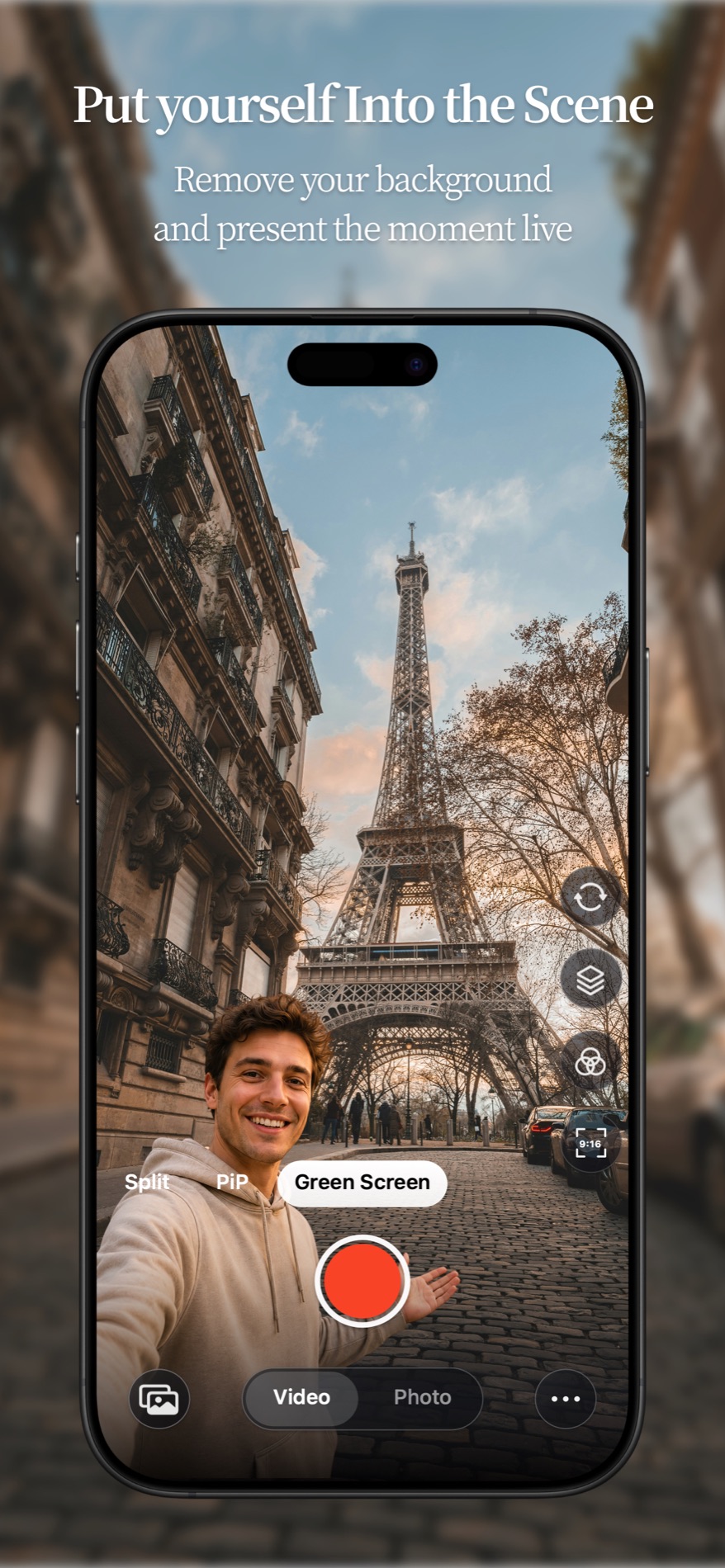
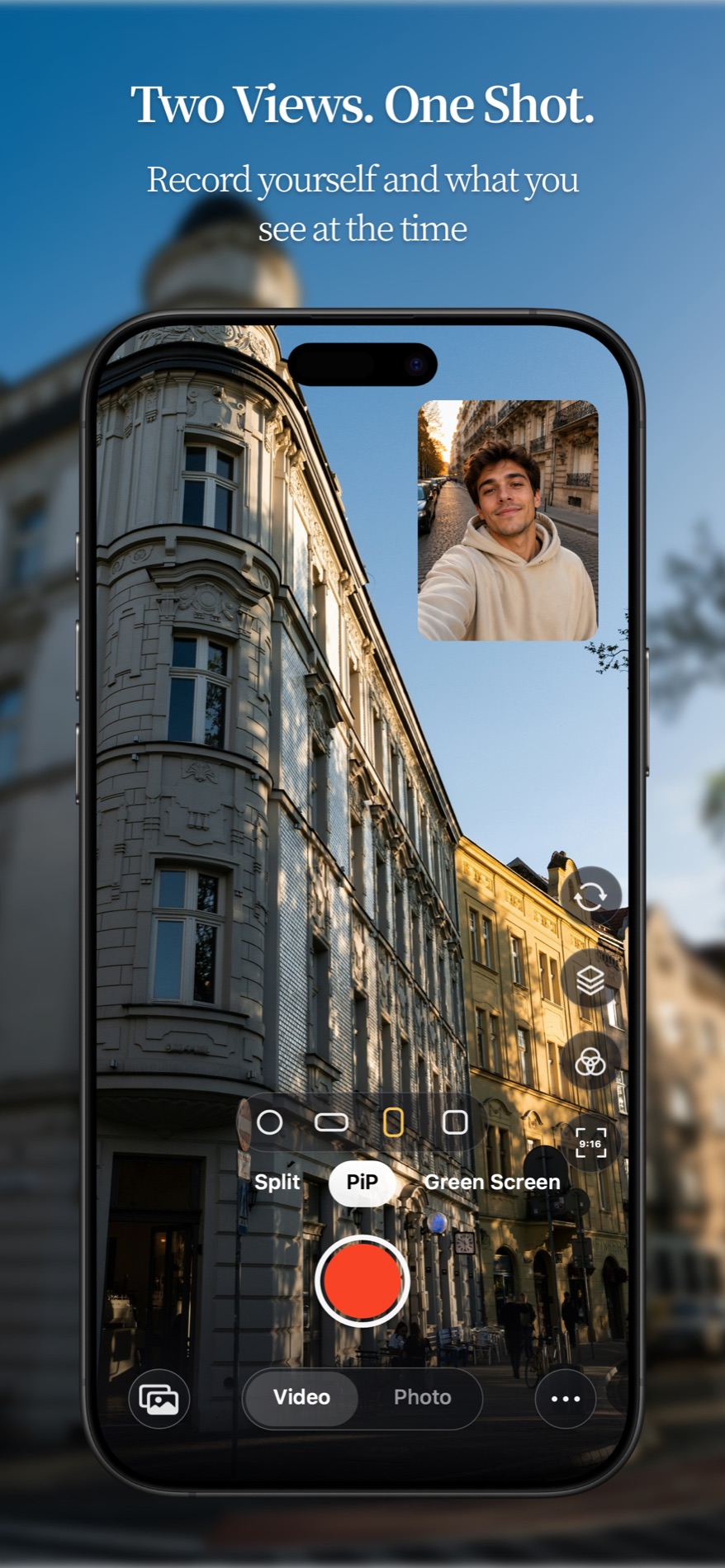
YOUR SHOT. YOUR COMPOSITION.
Set the scene before you record. See both views come together, live.
Dual-camera capture requires a supported device. Green Screen requires iOS 17 or later.
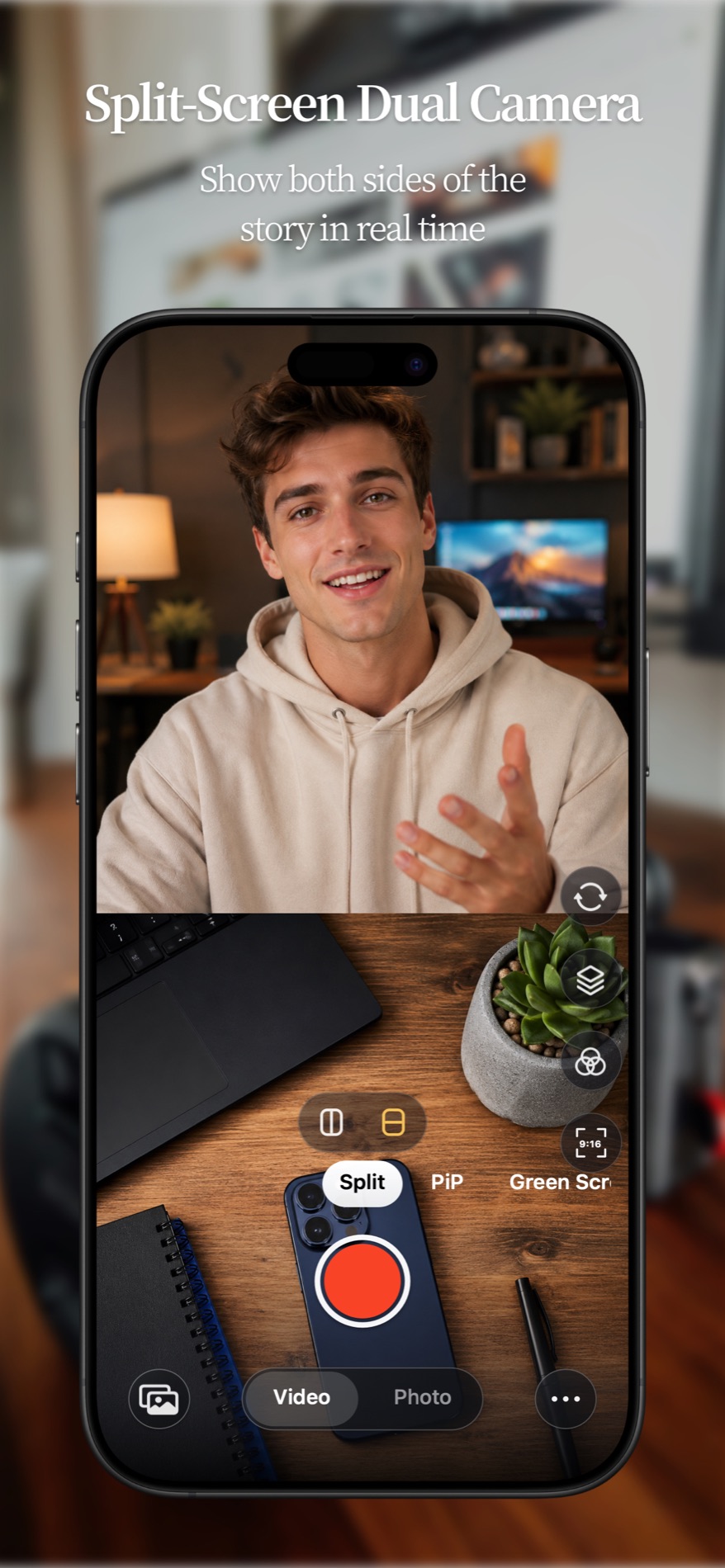
Shape the frame, adjust borders and colors, and save your own templates with Bicamly Pro for the next story.
Explore Bicamly Pro filters and background styles. Make your composition feel right before you start recording.
Save composed photos and videos to Photos. If a video cannot be saved, keep a local copy to retry or export.
Some customization options require Bicamly Pro. Available features depend on your device and app version.
FROM YOUR POCKET TO YOUR DESK
Record your surroundings and your reaction together. For travel diaries, tutorials, product demos and the everyday moments worth keeping.
Compose a Mac screen or a selected screen region with a camera view. Choose your layout, preview the result and record a video to a local folder.
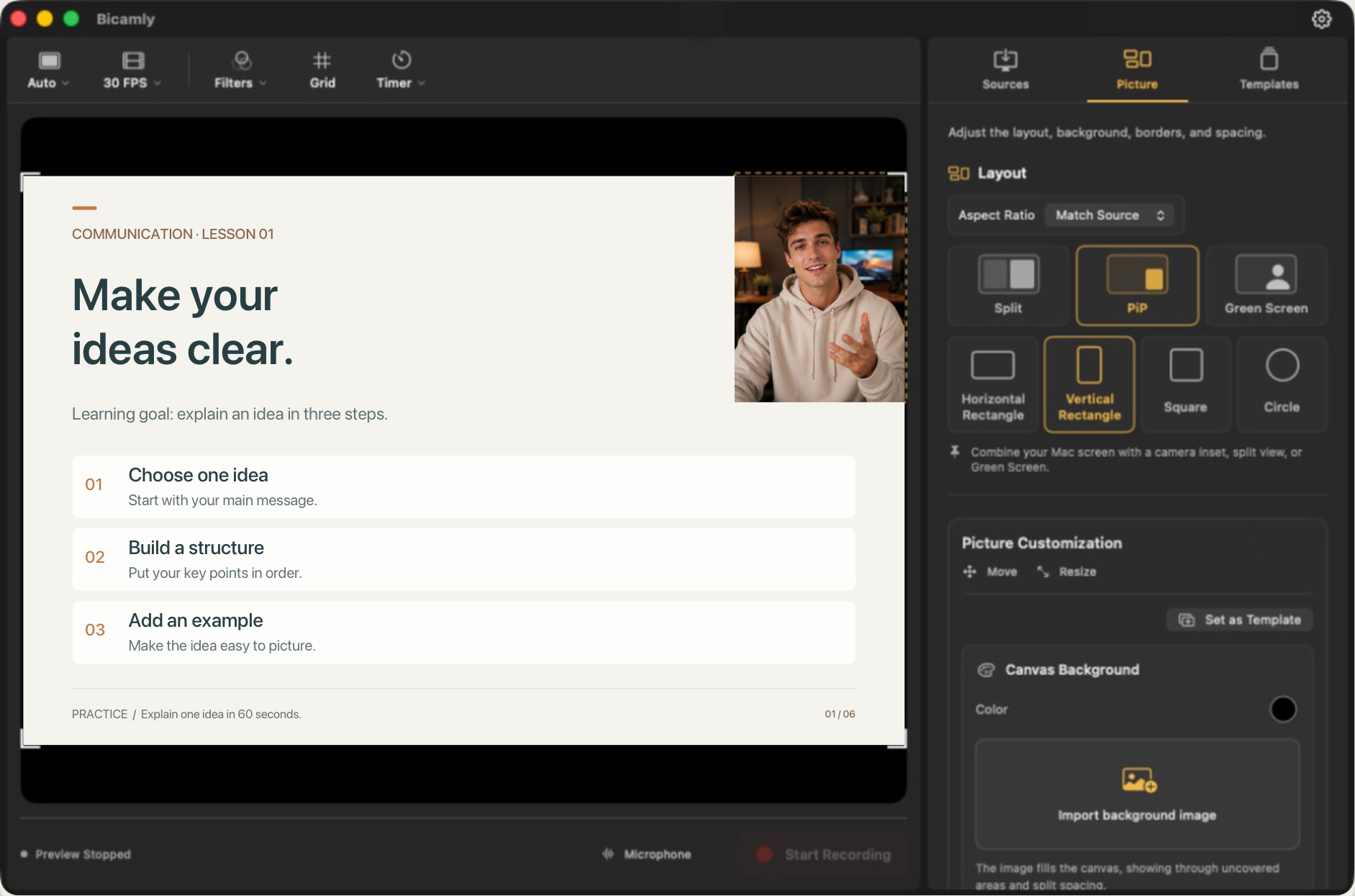
Native Mac app: macOS 13 or later. Download availability will be announced here.
Bring them together with Bicamly.
Get it on the App StoreFor iPhone · Free download · In-app purchases
Bicamly is an iPhone camera app that captures the front and rear cameras together and combines them live into one photo or video. It offers picture in picture, split screen and Green Screen.
Bicamly requires iOS 15 or later. Simultaneous dual-camera capture depends on device support. Green Screen requires iOS 17 or later; available resolutions and frame rates depend on the camera combination and device.
Bicamly is free to download with in-app purchases. The three basic composition modes are free on supported devices. Bicamly Pro unlocks style filters, saving and applying templates, and text or image watermarks. Prices are shown in the app before purchase.
The native Mac app is shown here as a product preview. It combines a Mac screen or selected screen region with a camera view and records video to a local folder. It requires macOS 13 or later. Native Mac download availability will be announced on this website.
BICAMLY SUPPORT
Need a hand? Find answers below or get in touch.
If Bicamly does not behave as expected, please include your iPhone model, iOS version, and a short description of what happened.
Open the iOS Settings app, find Bicamly, and enable Camera and Microphone access. Bicamly needs these permissions to capture and record dual-camera videos.
Make sure Bicamly has permission to add items to your photo library. The app saves composed media to the Photos library on your device.
Simultaneous front and rear camera capture depends on device support. Some iPhone models or capture settings may not support every resolution, frame rate, or camera combination.
Bicamly may adjust settings when the device does not support the selected quality, frame rate, stabilization, or lens combination.
Last updated: June 16, 2026
Bicamly is designed as an on-device camera tool. We do not require an account to use the app, and we do not operate a server that receives your photos, videos, camera frames, or microphone audio.
Bicamly requests Camera permission to capture front and rear camera video, Microphone permission to record audio, and Photo Library Add permission to save composed photos and videos to your library.
Camera frames, microphone audio, preview rendering, and export processing happen on your device. Your media is saved only when you choose to capture a photo or record a video.
Bicamly does not collect personal information, does not use third-party advertising trackers, and does not sell personal data. Apple may provide standard App Store diagnostics or purchase information according to your Apple settings.
Bicamly is not intended to collect information from children. If you believe personal information was provided through a support request, contact us and we will address it.
For privacy questions, email the96xstudio@gmail.com.
Last updated: June 29, 2026
You are responsible for how you record, store, and share content created with Bicamly. Please follow applicable laws and respect the privacy and rights of others.
Bicamly depends on iOS camera, microphone, rendering, and photo library capabilities. Some features may vary by device, iOS version, or system settings.
Bicamly is provided as available. We work to keep it reliable, but we cannot guarantee uninterrupted operation or compatibility with every device configuration.
Bicamly Pro is offered as an auto-renewable subscription. The app may offer monthly and annual membership plans, and the exact price and subscription length are shown in the app before you confirm a purchase.
Payment is charged to your Apple ID after purchase confirmation. Unless you cancel at least 24 hours before the end of the current period, your subscription renews automatically, and your account may be charged for renewal within 24 hours before the current period ends.
You can manage or cancel your subscription in your App Store account settings. Deleting Bicamly from your device does not cancel an active subscription.
Refund requests are handled by Apple according to App Store policies. If you need help with a purchase, contact Apple Support or email Bicamly support.
Your use of Bicamly is also governed by our Privacy Policy, which explains what data the app does and does not collect.
We may update these support, privacy, or terms pages from time to time. Continued use of Bicamly means you accept the latest version.